PDF metadata viewer
Before you edit or remove metadata, it helps to see exactly what a PDF contains. A viewer should show you both metadata stores — the Info dictionary and the XMP block — because they can disagree, and the disagreement is usually the reason a reader displays something unexpected.
What you can see
| Group | Fields |
|---|---|
| Document (Info) | Title, Author, Subject, Keywords, Creator, Producer, CreationDate, ModDate, Trapped |
| XMP Basic | CreateDate, ModifyDate, MetadataDate, CreatorTool, Label, Rating, Nickname |
| XMP Dublin Core | Title, Creators, Description, Subjects, Rights, Publisher, Dates, Language |
| XMP Rights | Marked, Owner, UsageTerms, WebStatement, Certificate |
| XMP PDF | Producer, Keywords, PDFVersion |
| Media Management | DocumentID, InstanceID, OriginalDocumentID, History |
| File | File name, size, full path, file system timestamps |
View metadata online
The online editor is also a viewer: it shows every standard field as soon as the file is parsed. The PDF is processed in your browser with client-side JavaScript and is not uploaded to a server.
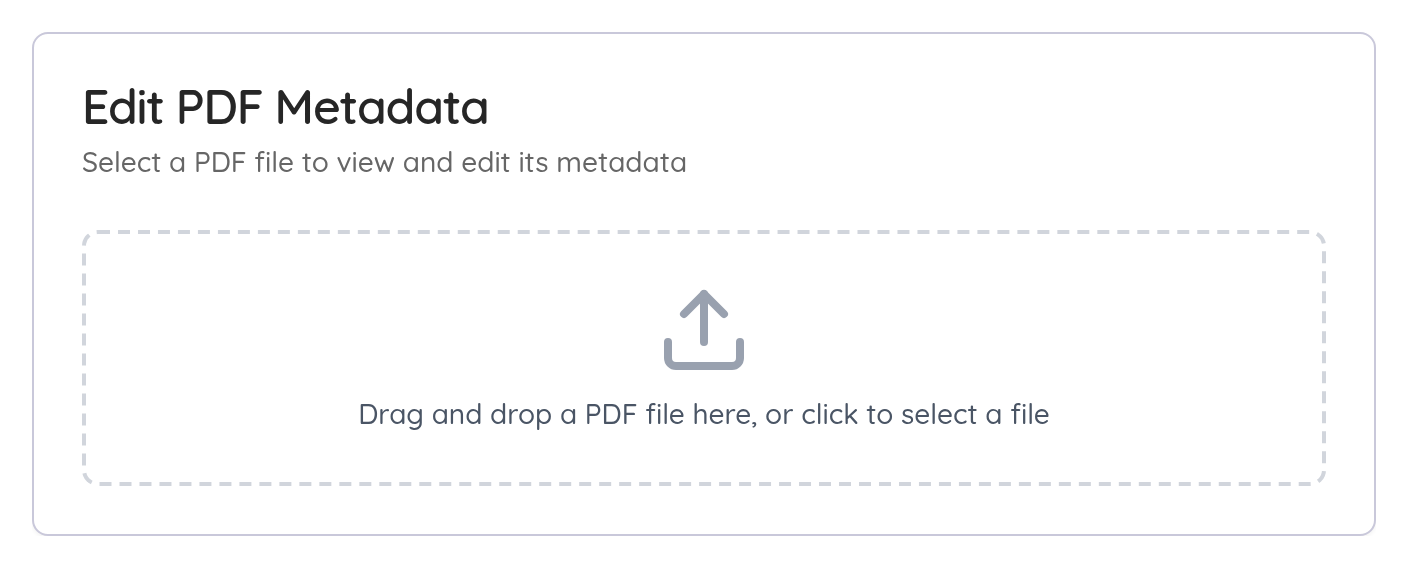
- Open the online editor.
- Drop the PDF onto the page, or click to choose a file.
- The form fills with the current values.
- Read them, or change them and save — no installation required.
If a field is empty in the form, the PDF does not have a value for it.
View metadata in the desktop app
The desktop app exposes the most detail, including the individual XMP schemas:
- Click Open PDF.
- The Document tab shows the Info dictionary.
- The XMP Basic, XMP PDF, XMP Dublin Core, XMP Rights and Media Management tabs show the XMP schemas.
- The File properties tab shows the file system name, size and timestamps, which are not stored inside the PDF at all.
- The PDF properties tab shows version, encryption and permissions.
This separation is worth understanding: the same PDF can have a Title in the Document tab, a different one in Dublin Core, and a file name that matches neither.
View metadata from the command line
# Human-readable JSON of the fields you list
pmedit-cli tojson file.name doc.title doc.author doc.subject doc.keywords report.pdf

# CSV, which is convenient for comparing several files
pmedit-cli tocsv file.name doc.title doc.author *.pdf
The field names are documented in the command line reference, and the extraction guide covers batch exports.
View metadata in other readers
| Application | Path | What it shows |
|---|---|---|
| Adobe Acrobat | File → Properties (Ctrl+D / Cmd+D) | Description, Custom and Advanced (raw Info) tabs |
| Firefox | File → Properties | Description, fonts and security |
| Google Chrome | No properties dialog | Title in the tab only |
| macOS Preview | Tools → Show Inspector (Cmd+I) | General info, keywords |
| Windows Explorer | Right-click → Properties → Details | File attributes plus some indexed document fields |
| ExifTool | exiftool file.pdf | The most complete dump |
Windows Explorer's Details tab is a common source of confusion: it shows a mix of file system attributes and values that the search index read from the document. It is not a reliable view of the PDF's own metadata, and it will not update until the index refreshes.
Why two tools show different values
The PDF format allows the same property to exist twice: once in the Info dictionary and once in XMP. A file edited by two different applications can end up with different values in each.
Most readers prefer XMP and fall back to Info. Some older tools read Info only. That is why a title can look correct in one application and stale in another.
If you need a single source of truth, open both stores and compare. In this editor that means the Document tab versus the XMP tabs; the quick actions Document to XMP and XMP to Document make them match.
The fields are empty — is the file broken?
No. Metadata is optional. Plenty of PDFs are produced without a title or author, particularly when generated by scripts or exported from tools that do not set them. An empty field simply means no value was written.
If you want readers and search tools to identify the document properly, fill in at least the title and author.
Frequently asked questions
Can I view PDF metadata without uploading the file?
Yes. The online editor parses the file locally in your browser. The desktop app and the command line are fully offline alternatives.
Why does the title in my PDF reader differ from the file name?
The file name belongs to the operating system. The title is a field inside the PDF. Many authoring tools set the title to the original document name, which may differ from the name the file was saved as.
Does viewing metadata modify the file?
No. Reading does not change the file. Only saving after an edit writes a new version.
How can I see the raw XMP XML?
ExifTool prints it with exiftool -XMP -b file.pdf. The
XMP reference explains the schema structure.