Preferences
General Preferences
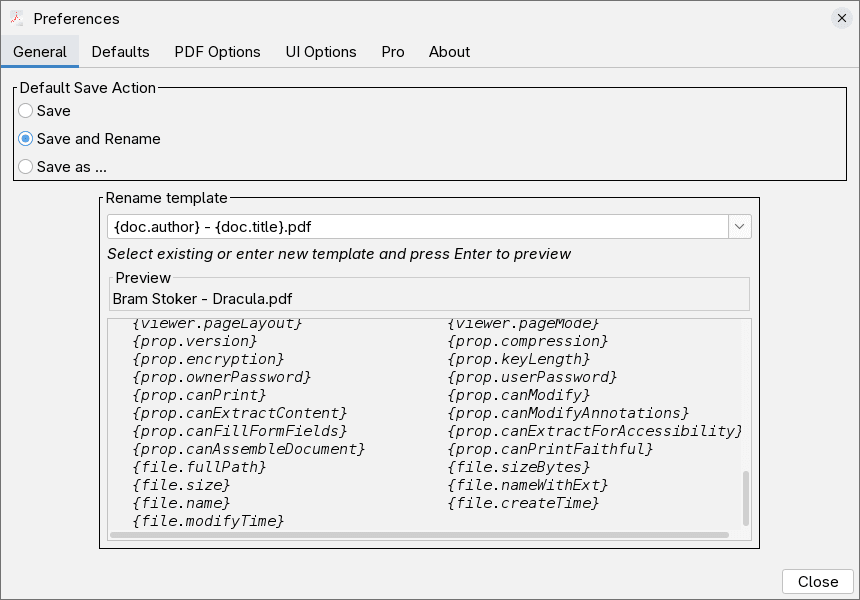
Default Save Action
You can choose what will be the action when you press the save button. You can always select another one from the dropdown menu next to the save button.
- Save - Regular save, overwrite the current file
- Save & Rename - Save the file, and rename it according to the rename template configured
- Save as ... - Prompt for new file name before saving
Rename Template Configuration
Configure a template, where each field in curly brackets {...} will be replaced
by the respective metadata value from the file.
Example :
{doc.author} - {doc.title}.pdf
With this template configured, when Save & Rename is used , the file will be renamed to :
<Value of Document Author Field><SPACE>-<SPACE><Value of Document Title Field>.pdf
Defaults
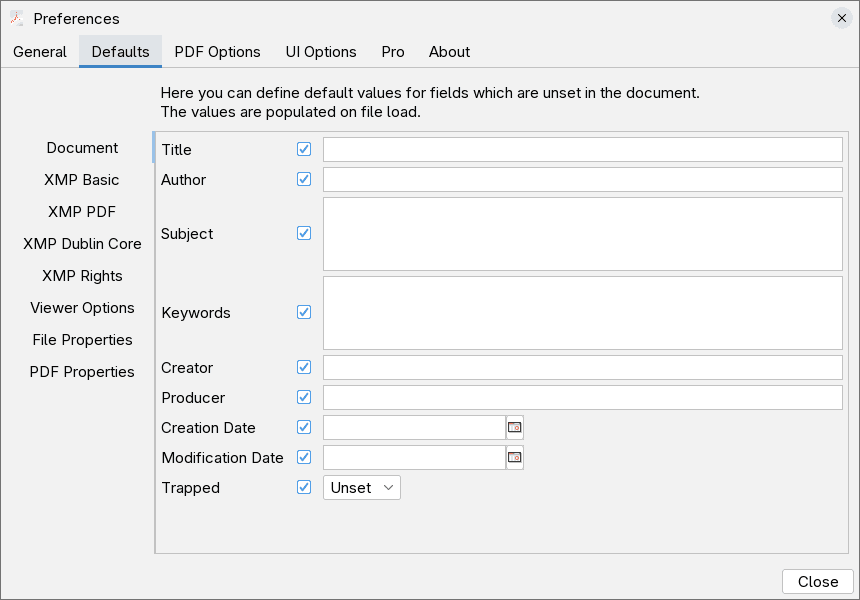
In this screen you can configure default metadata values. They will be applied on save if the same field in the document is missing value / unset.
This is convenient way to set fields that are always going to be the same, and you want them automatically populated if missing.
PDF Options
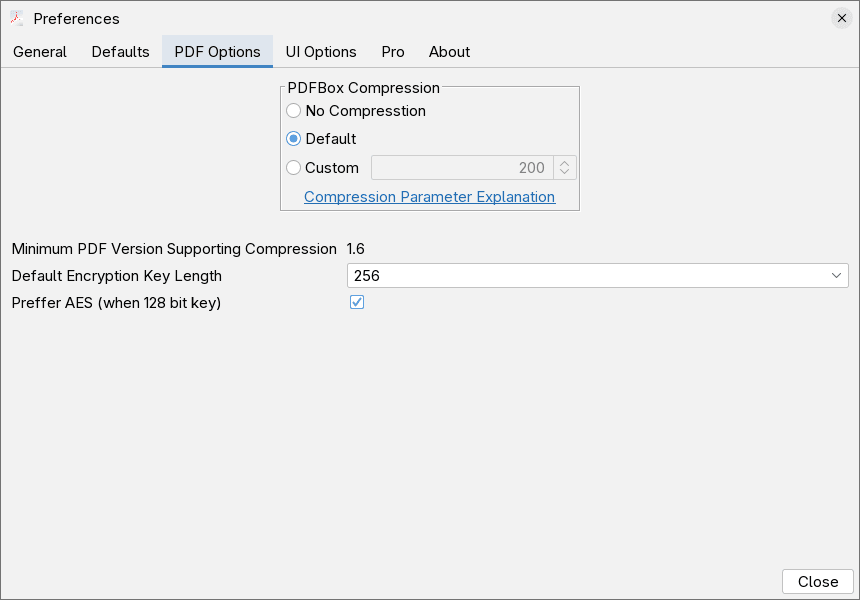
Compression Options
Select the default value for PDFBox compression. For more detailed explanation of the meaning of the parameter see Apache PDFBox Compression
Default Encryption Key Length
Set the keylength that is going to be used for encrypted PDFs, when keylength is not specified. The default value of 256 offers the strongest protection.
Prefer AES
This option is relevant only when using 128bit key length. Normally the encryption algorithm is selected by the key length, 40bit is RC4 only, 256 is AES only, but both RC4 and AES can use 128 bit key. When 128 bit key is used this option specifies that the AES algorithm should be used instead of RC4.
User Interface Options
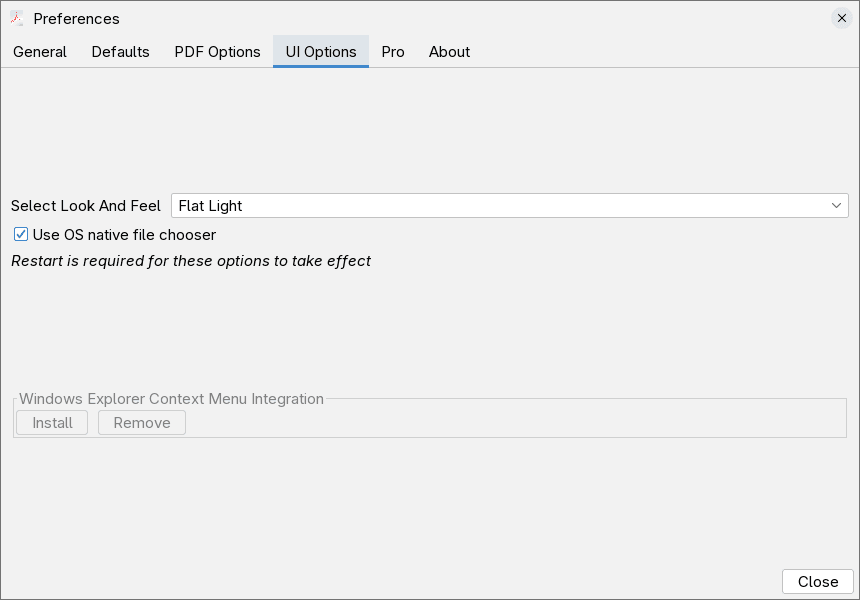
Look and Feel - Theme
You can select your preferred theme , from the dropdown.
When Use OS native file chooser is selected, the OS native file selection
dialog will be used, when unselected the Java Swing standard file selection dialog will
be used instead.
Bot options, require the program to be restarted to take effect.
Windows Explorer Context Menu
Use the Install button to register a context menu in Windows Explorer, for quick actions on pdf files with the editor.
Pro License
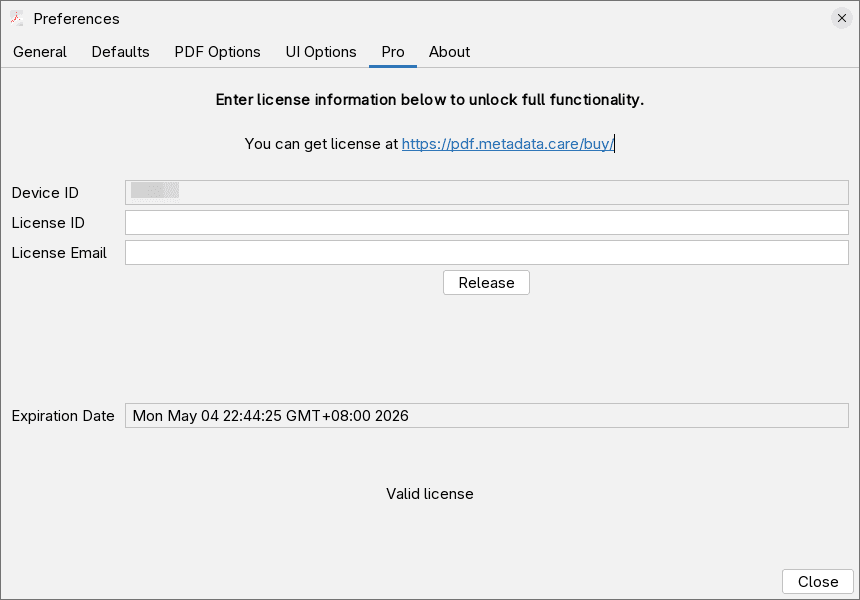
In this screen you can install pro license if you have one. For details how to do that see Pro License
About
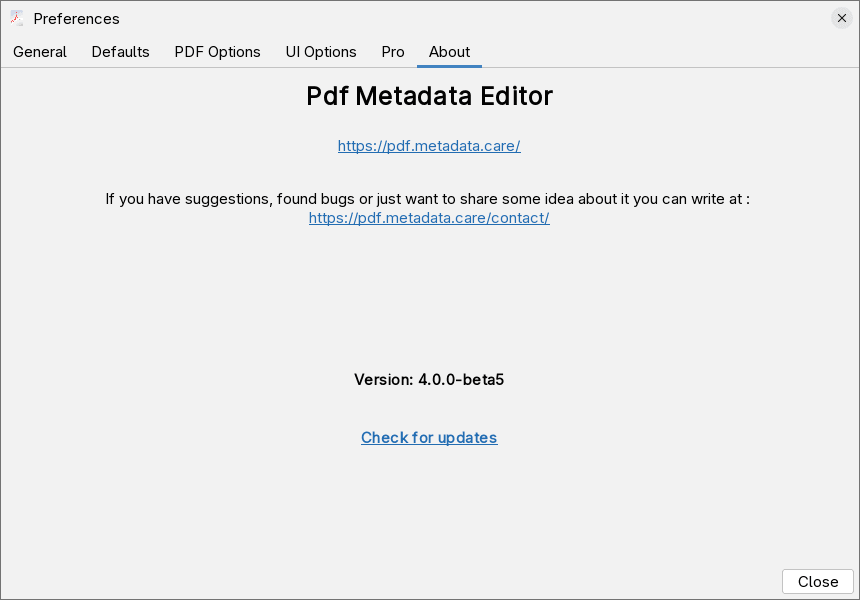
Information about software. You can use the Check for updates link to check if there is a new version released.