Go Back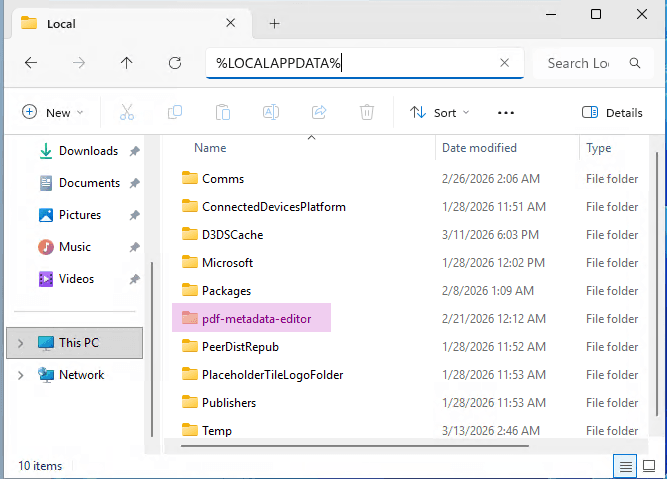
Attaching application logs to bug reports
When reporting bugs, it is helpful to attach the following files to the bug report to help with debugging:
- Application logs
- Screenshots showcasing the problem
- Problematic PDF file (if applicable and not confidential)
Follow the instructions below to locate the application logs and attach them to your bug report.
Application logs
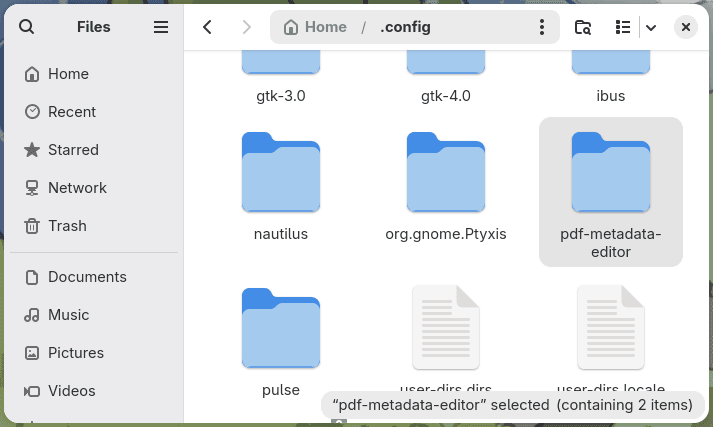
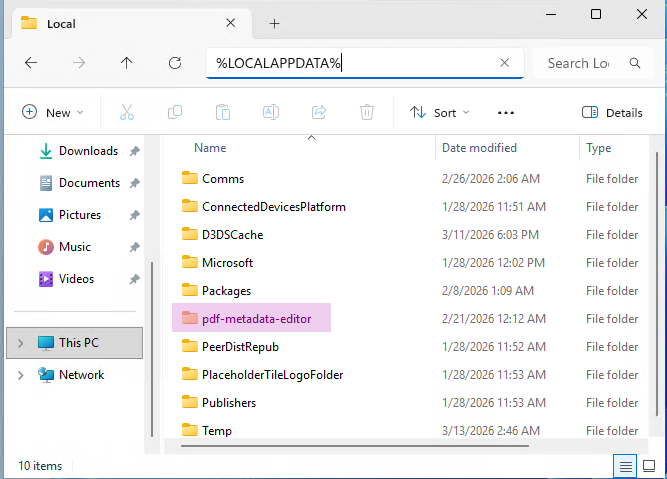
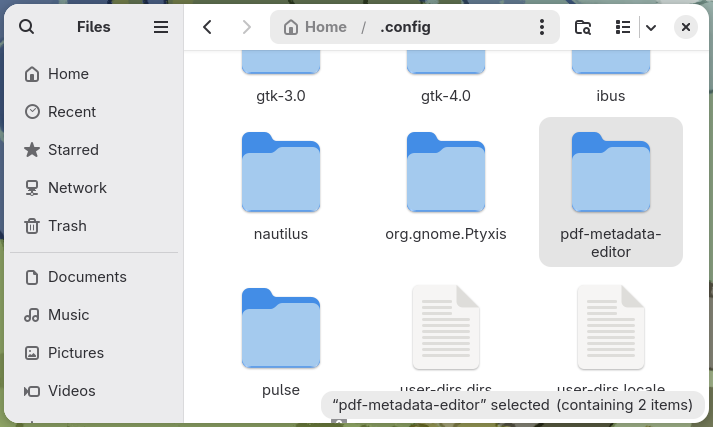
- Locate the application configuration directory. This is dependent on the operating system used.
- Windows:
%LOCALAPPDATA%\pdf-metadata-editorEnter this path in the File Explorer address bar or press Win + R and enter the path there. - Linux:
~/.config/pdf-metadata-editor - macOS:
~/Library/Preferences/pdf-metadata-editorPress ⇧⌘G (or go to Go > Go to Folder…)
- Inside you will find a file
log.txtwhich contains the application logs. This file can be attached to bug reports to help with debugging issues.