Go Back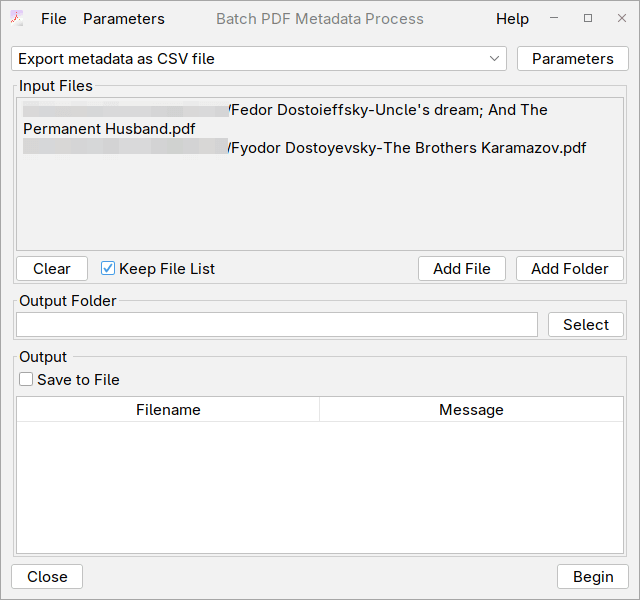
How do edit metadata with Excel/Office or any spreadsheet program
Create the CSV file
The easiest way to create it is to use the export feature as shown here .
- Select Export metadata as CSV file in Batch editor and add some files or a folders
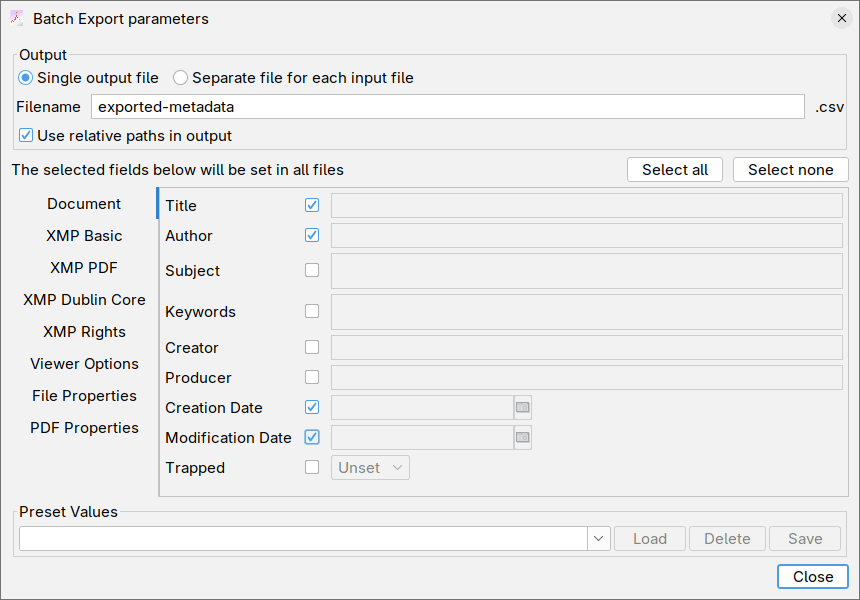
- Open Parameters and select the fields you want exported. By default all fields are exported. Selecting Single output file will output only one file with 1 entry per row which is what we want in this case.
- Click Begin, and a new file exported-metadata.csv will be created in the directory with input files.
NOTE You can create the file in any other way you want, but you must make sure the column names match exactly the export. The order of the columns is not relevant, only the names.
Editing the exported metadata
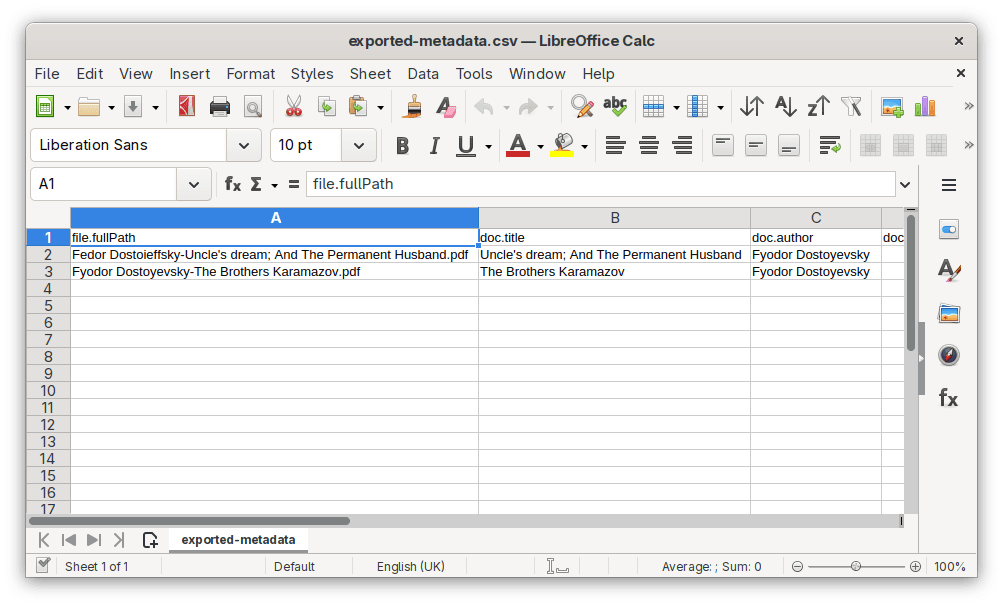
- Open the newly created CSV file in your spreadsheet editor. Edit all the fields you need, the only requirement is that you don't change the value of the file.fullPath, as this column is used to find the original PDF file.
- Save the file, make sure you save it back as CSV and not XLSX, ODS, etc.
Setting the metadata from the CSV file
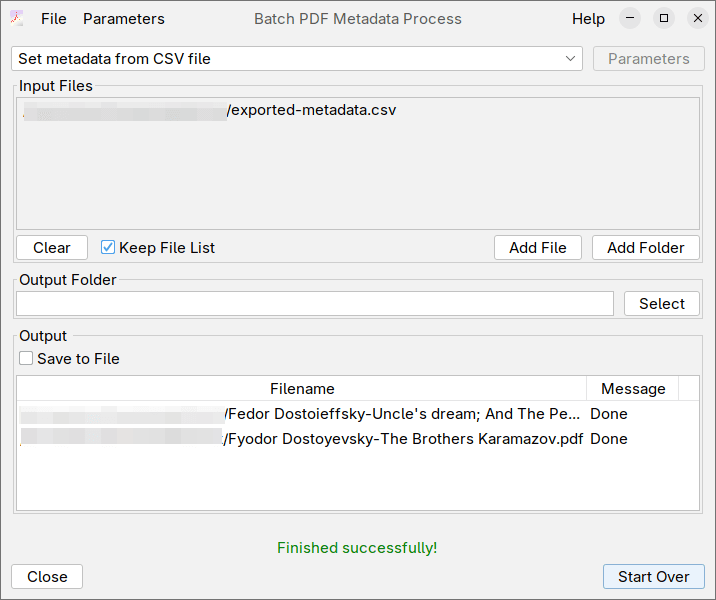
- Open again the Batch editor, and select Set metadata from CSV file
- In the Input files, add only the
exported-metadata.csvyou have edited previously - Click Begin