Go Back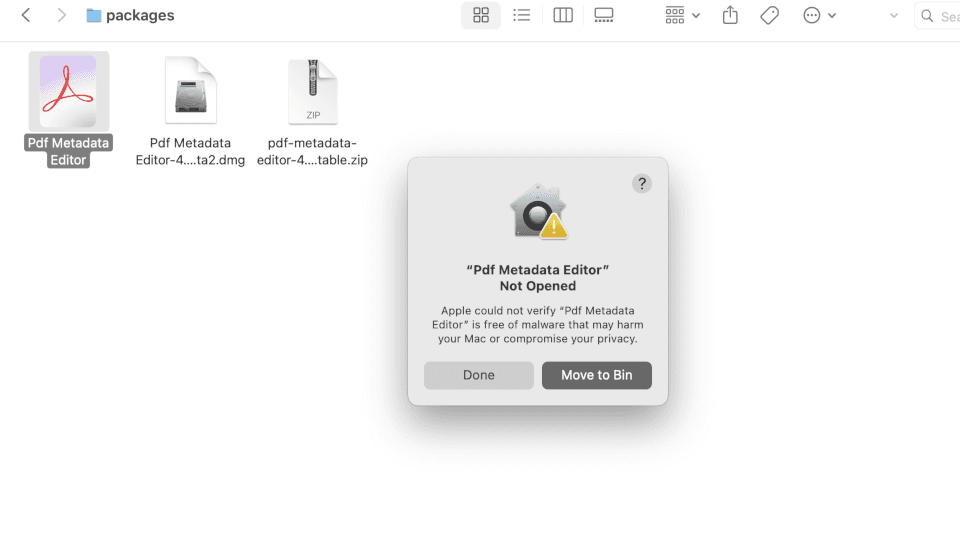
Getting Security Prompt on macOS
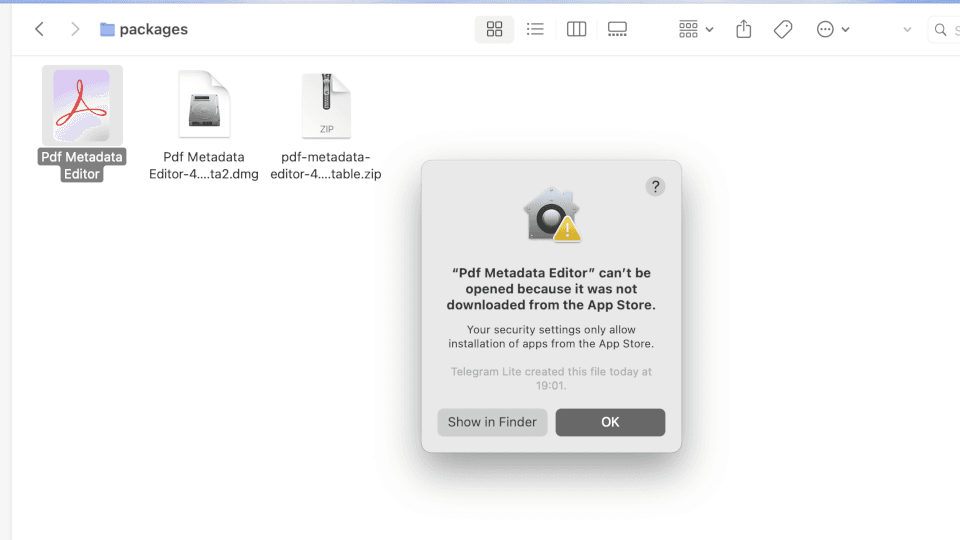
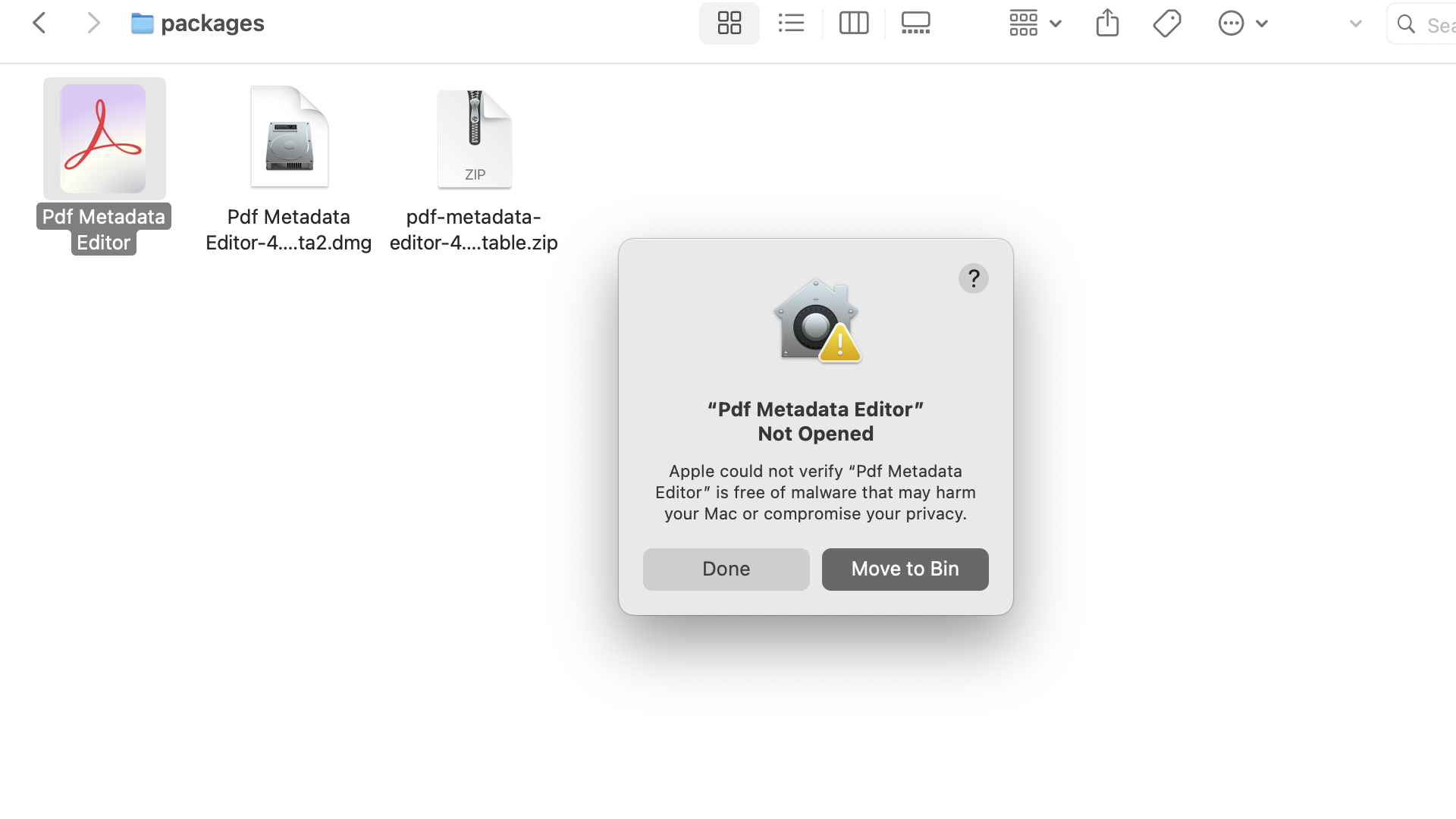
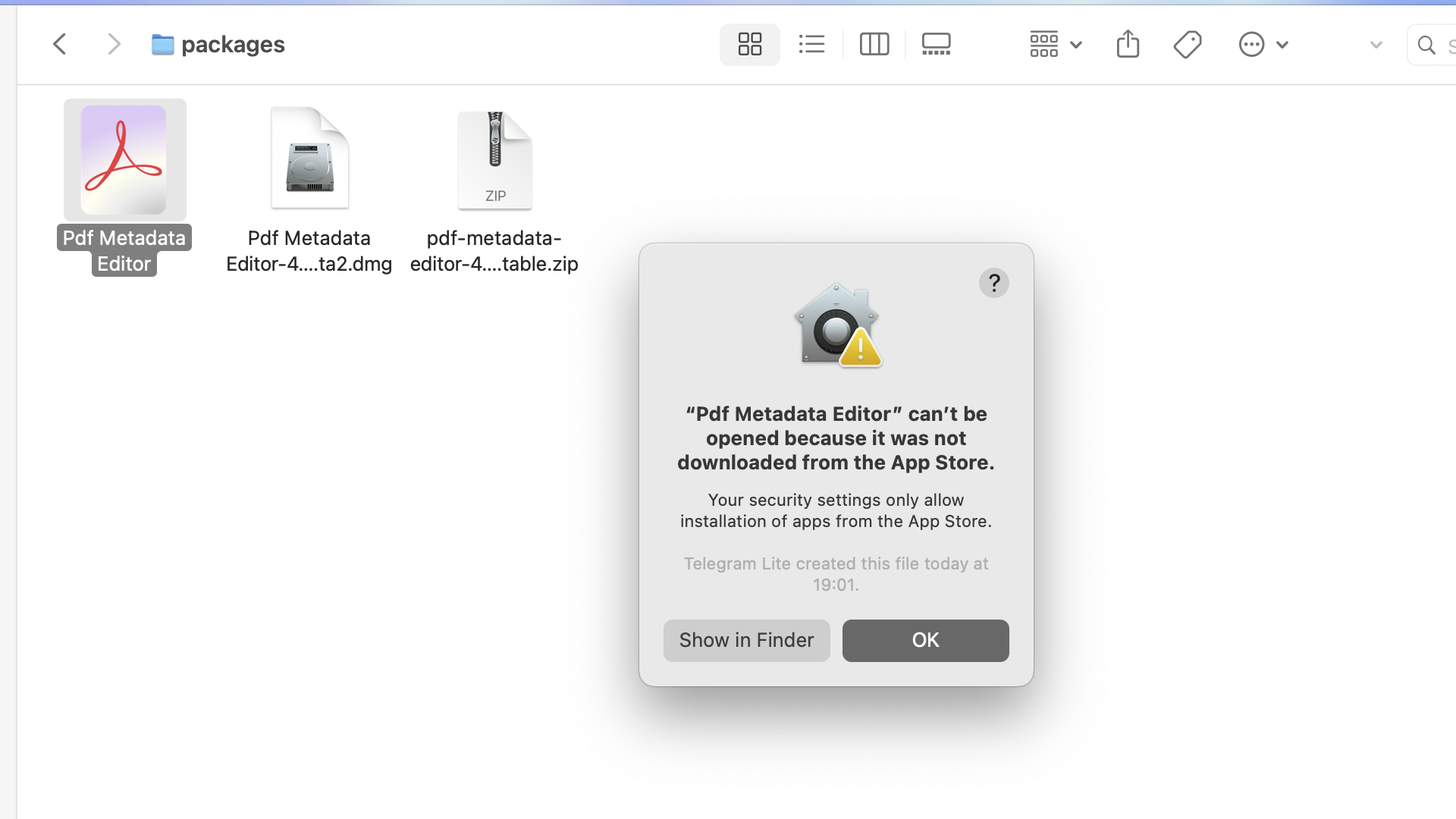
If you see "Pdf Metadata Editor Not Opened" OR "Pdf Metadata Editor can'be be opened because it was not downloaded from the App Store"
Allow The App to be run
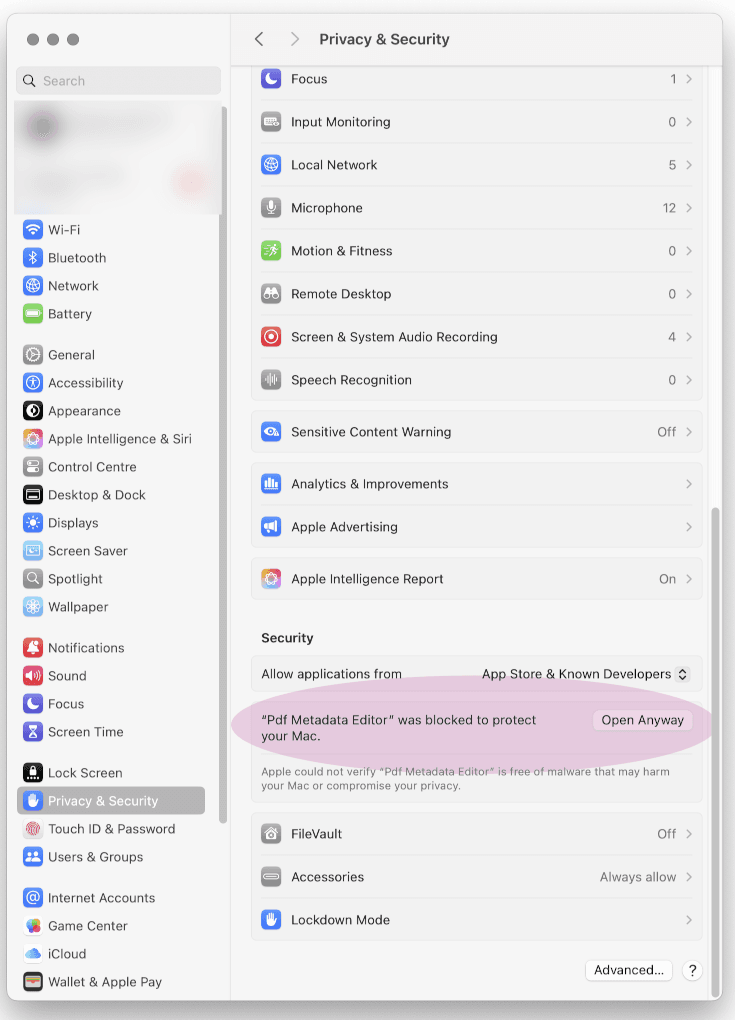
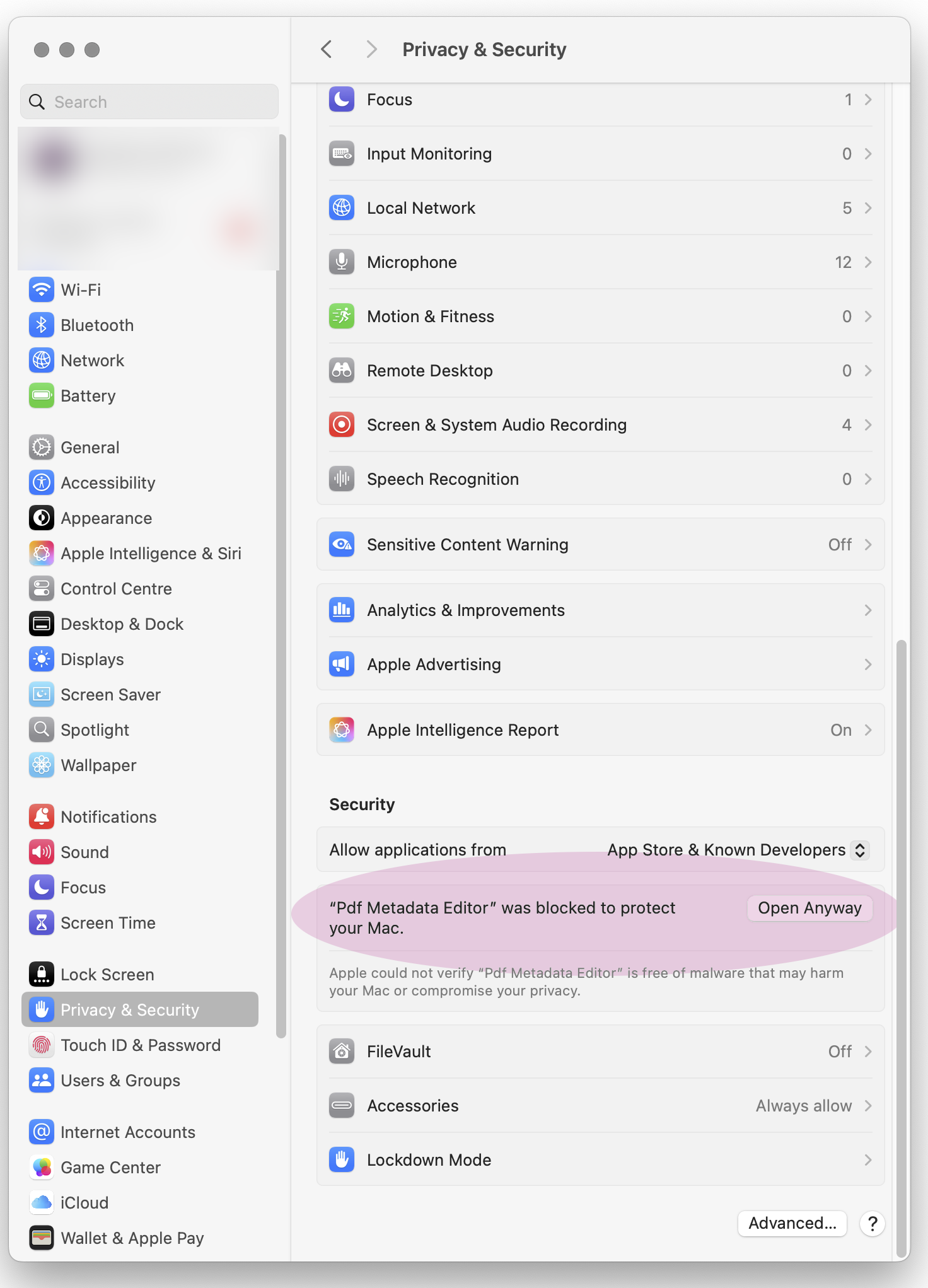
1. Open System Settings and go to Privacy & Security
Click the Apple menu in the top-left corner → select System Settings → scroll down and click Privacy & Security in the left sidebar.
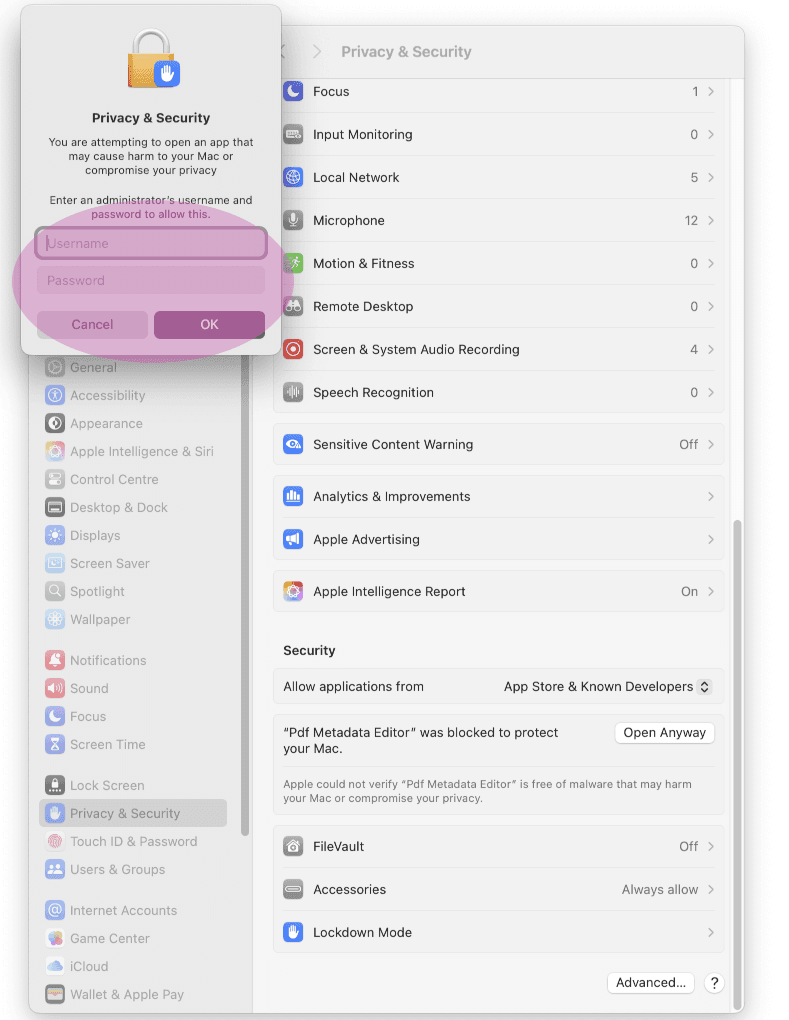
Scroll down to the bottom of the page and you should see a message about Pdf Metadata Editor being blocked. Click the Open Anyway button next to it.
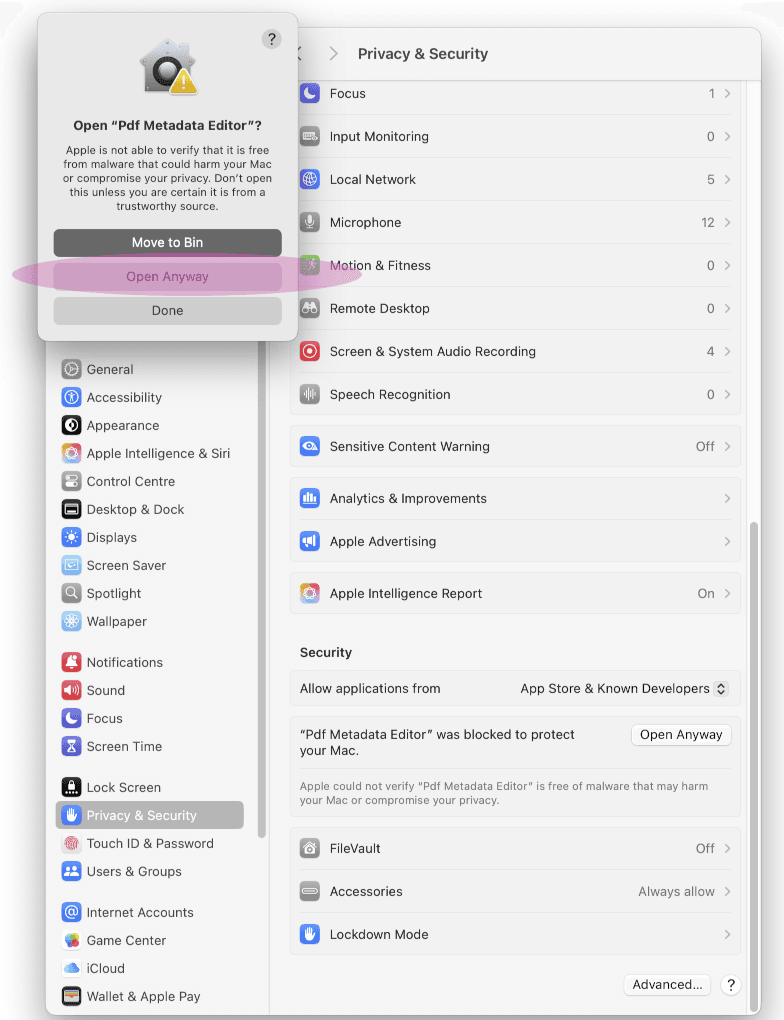
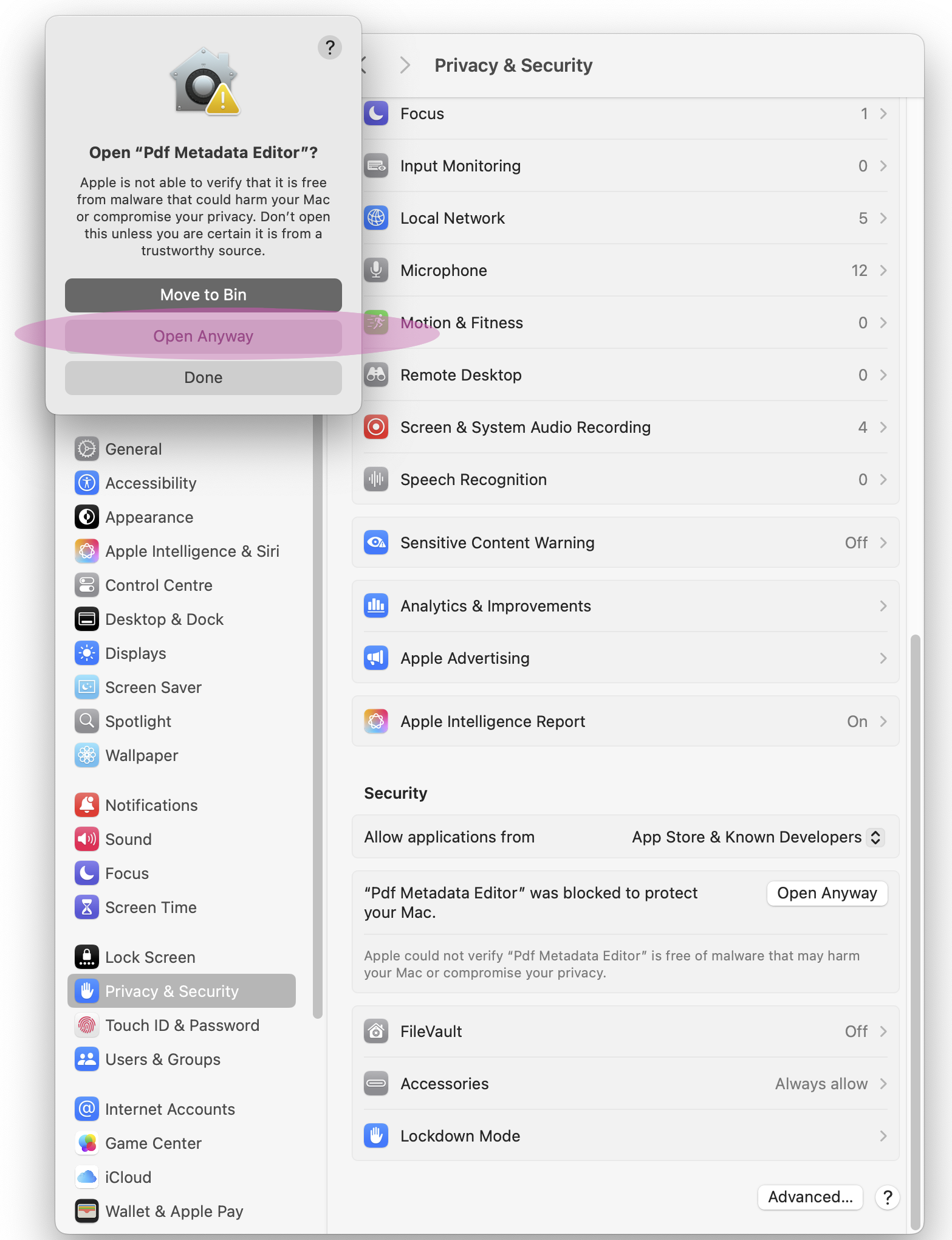
2. Confirm you want to open the app
A confirmation dialog will appear. Click Open Anyway to confirm that you want to run Pdf Metadata
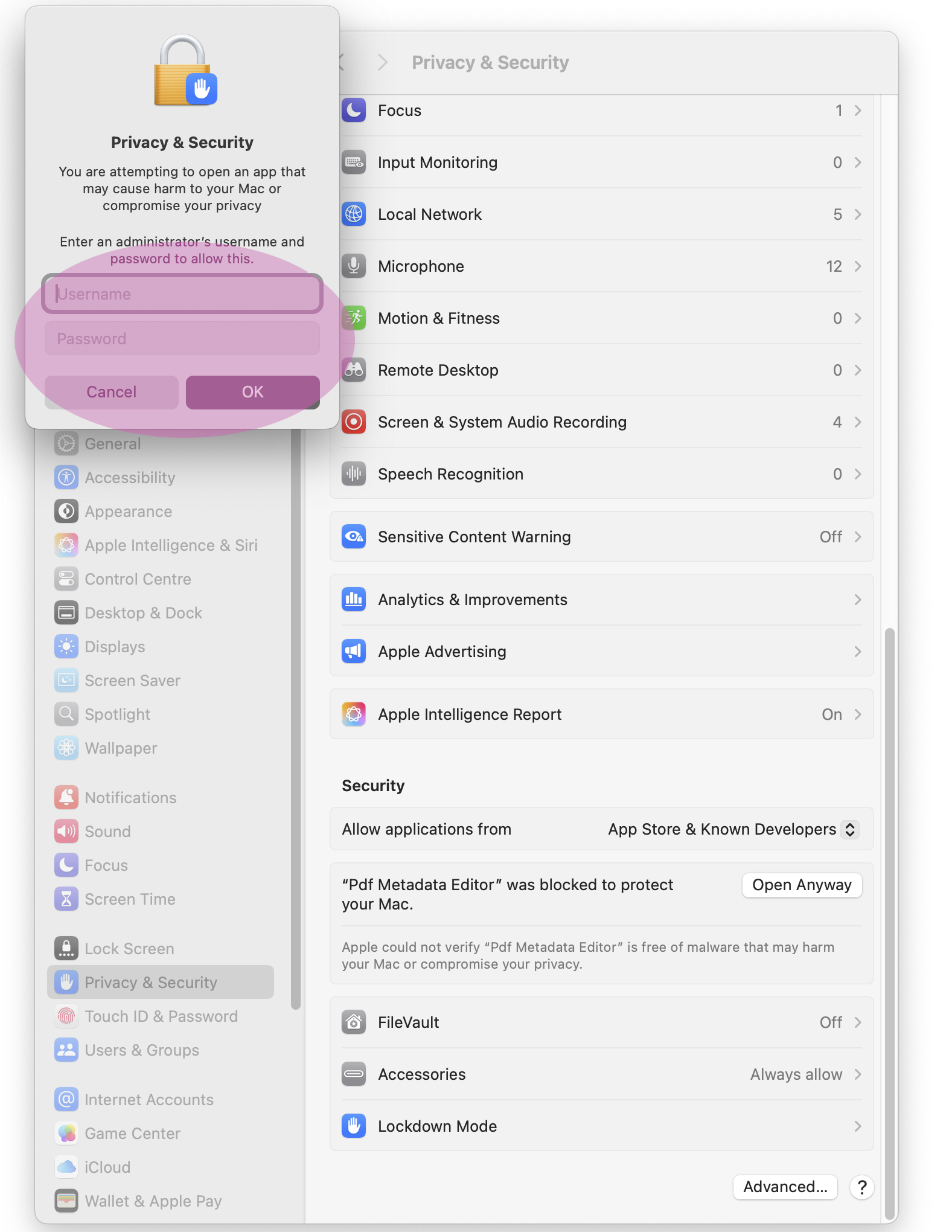
3. Enter your username and password
You may be prompted to enter your macOS username and password to authorize the action. Enter your credentials and click OK.
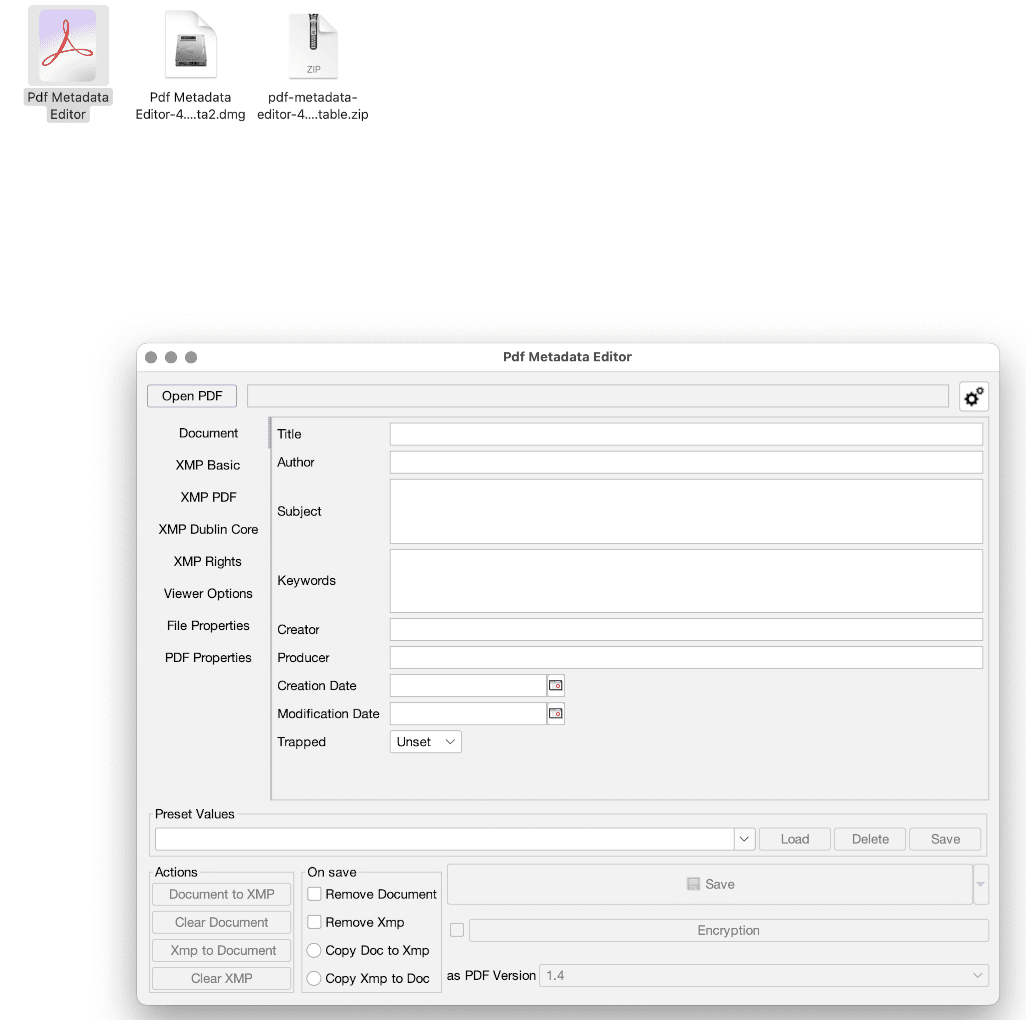
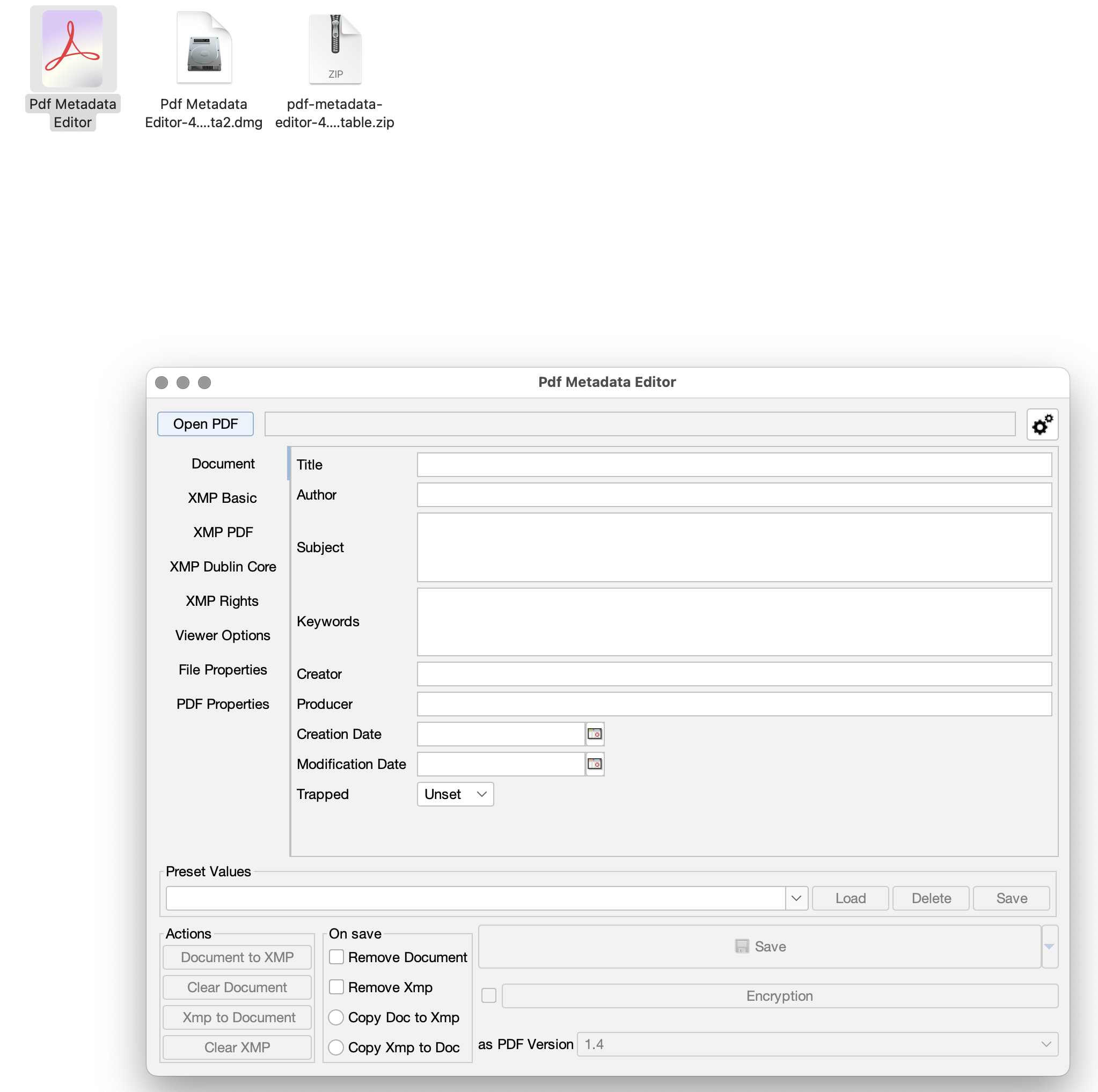
4. App will now open
After completing these steps, Pdf Metadata Editor should open successfully. You may need to repeat this process the first time you open the app after downloading it.
If this does not work
Here are few links that might help fix this problem: